STEP 1
Design tokens, what?
Think of design tokens like nicknames for your design elements.
Instead of using hard codes like color hex codes or pixel sizes, we give them names. These names, or 'tokens', store design details in a simple, easy-to-read way. They work with all style files in your system, making your design consistent and easy to scale.
These tokens can be linked to create a theme. This makes it easy to grow your design and keep it consistent across all platforms, like Web, iOS, and Android.
The idea of design tokens started with Salesforce’s Design System in 2014. Now, they're the smallest but most important part of any design system. They're like the building blocks of your design language, making sure your brand looks the same across all platforms.
In short, design tokens are the backbone of your design system. They keep your brand's visual style consistent and easy to manage.
why use design tokens?
Benefits
Use of the same language.
Improved communication between teams.
Synced files.
One source of truth, consistency on all platforms.
Solid foundations.
Steady design system brings value.
Easy maintenance.
Edit in one place, update all at once.
Brand consistency
Less design and technical debt.
means fewer resources are spent.
ONE STANDARD, UNLIMITED APPS
Standard, where are you?
DESIGN TOKEN TYPES
Naming Conventions
Names should be:
short
meaningful
easy-to understand
modular
consistent
Primitive tokens
are the primitive values.
Alias tokens
relates to specific context.
bg-color
Component-specific tokens
relate to a component.
button-bg-color
Raw value
#FFDF38
Primitive
Semantic
Component
Computational
Adaptive
light
dark
Primitive design tokens
Colors
Example:
blue-400
blue-500
blue-600
Alias design tokens
Example:
blue-400
color-text-default
#ffffff
Component-specific names
color-background-button-primary-active
blue-400
color-background-button-primary-hover
white
Brand A
color-bg-card
white
Brand B
color-bg-card
grey-400
Sizes
T-shirt sizes
xx-small
x-small
small
medium
large
x-large
Numeric states
1
2
3
4
5
6
Cloudspace Design System
States
Categories
Levels
2 level naming:
category
concept
color-action
3-level naming:
category
component
variant
background-button-primary
4-level naming:
category
component
variant
state
background-button-primary-hover
TOOLS
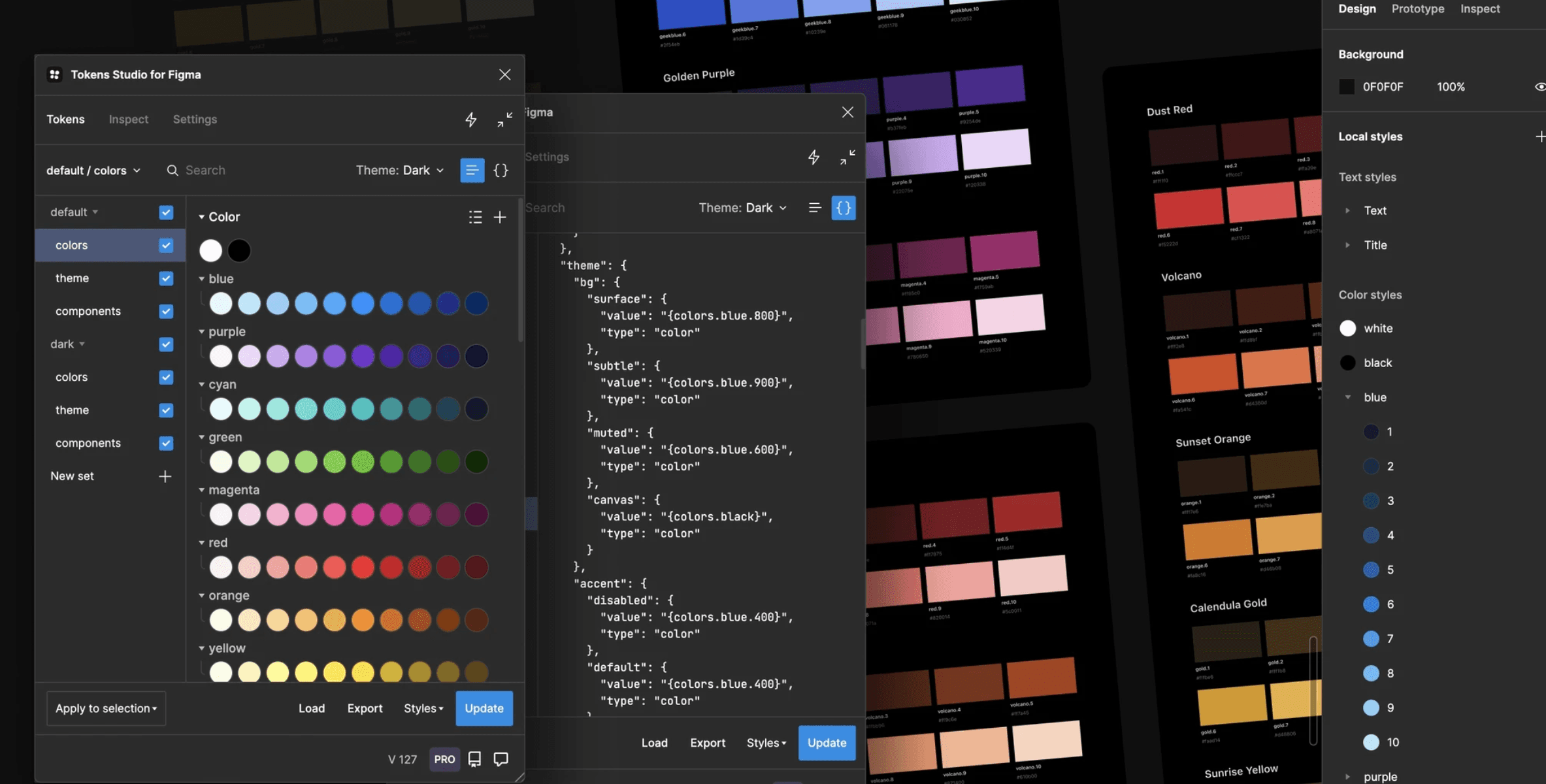
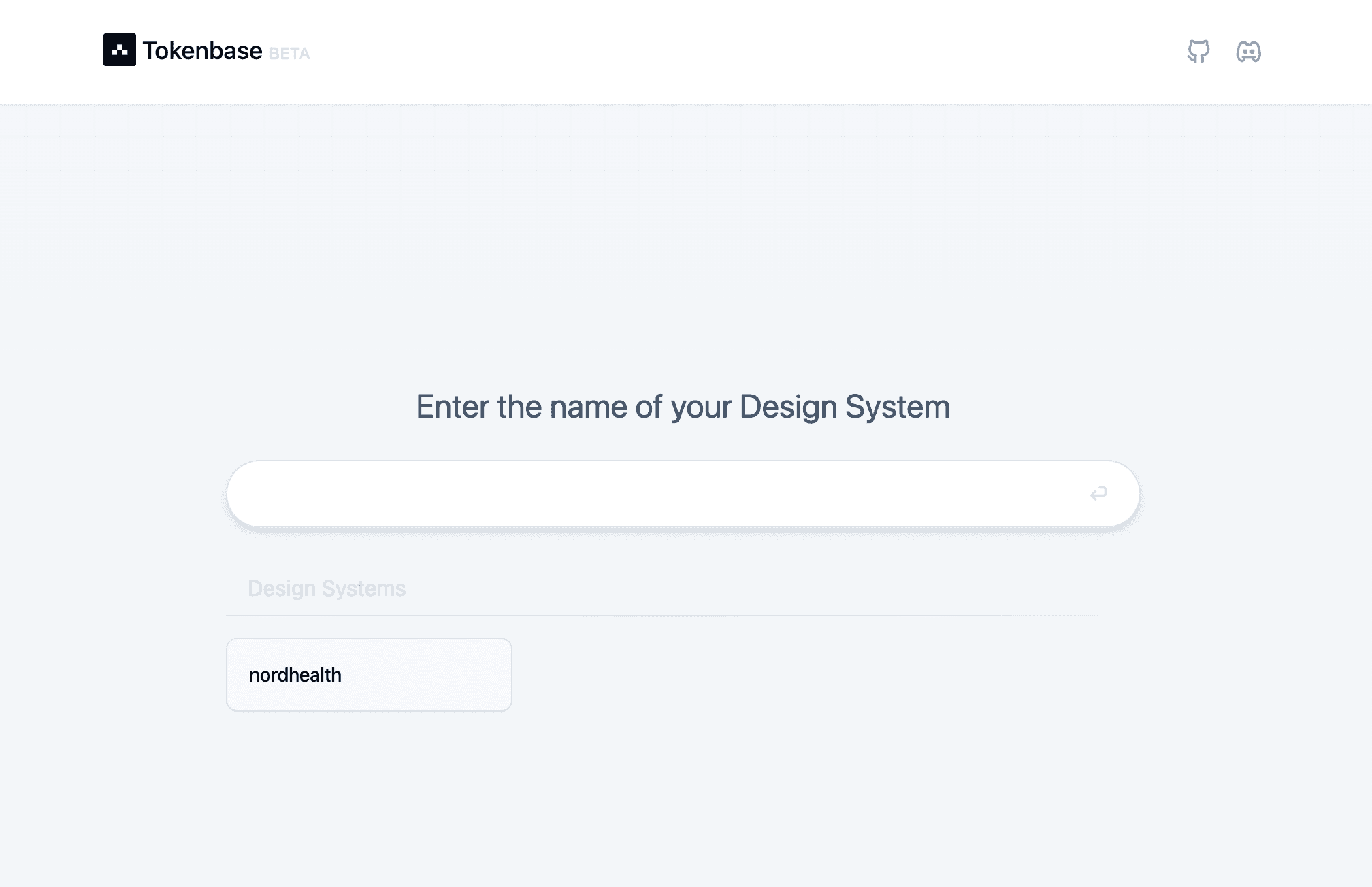
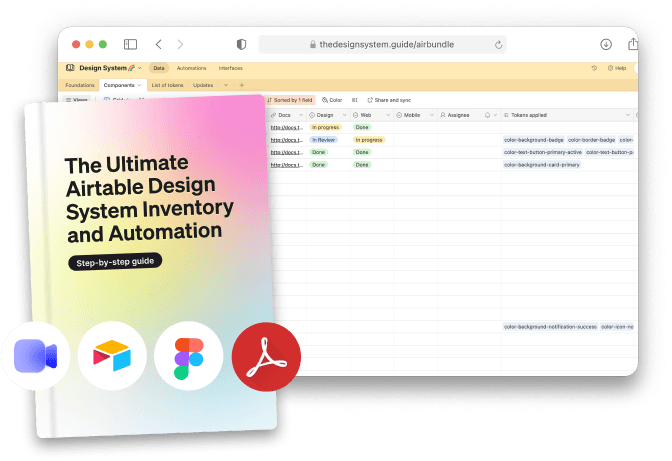
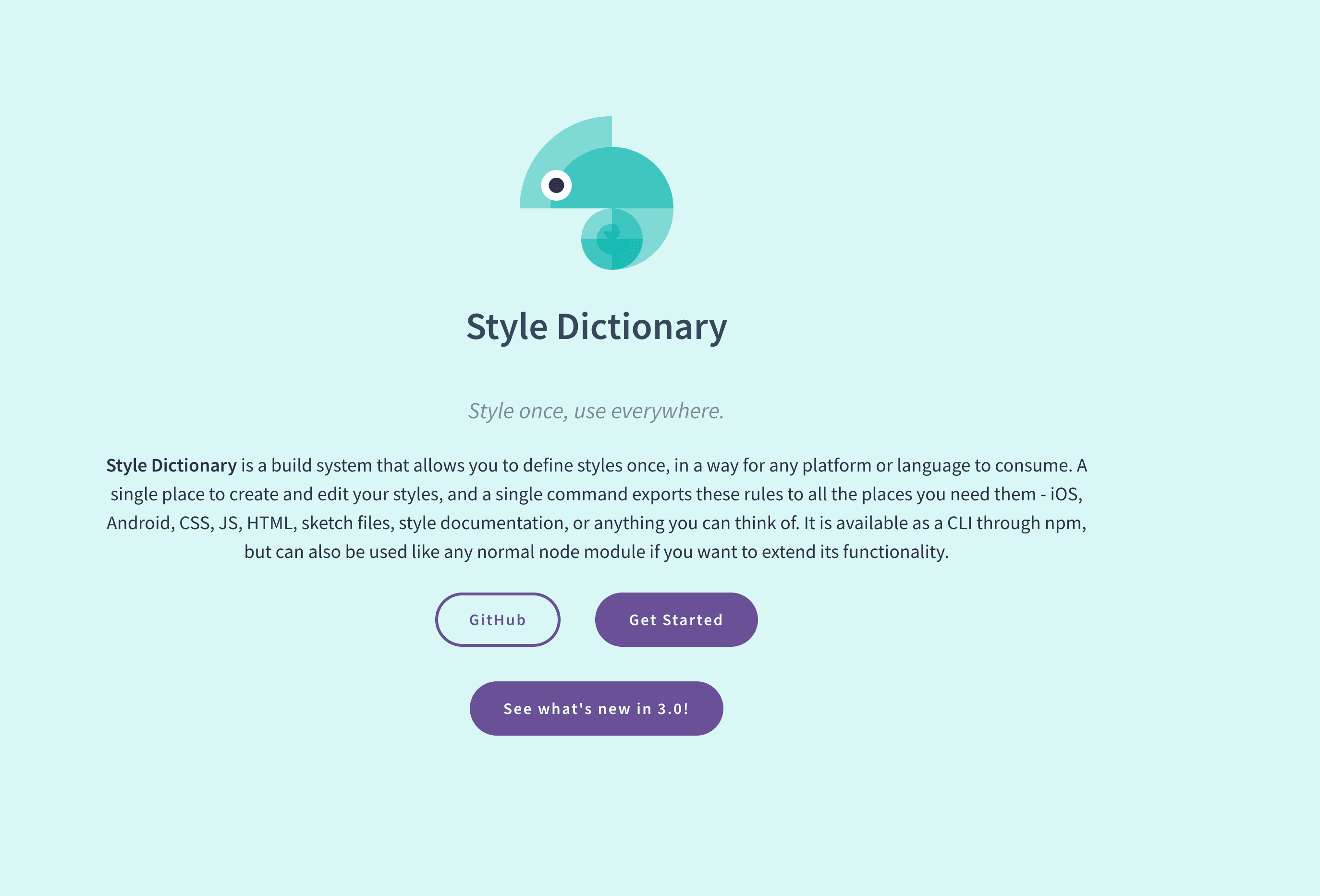
Managing Design Tokens